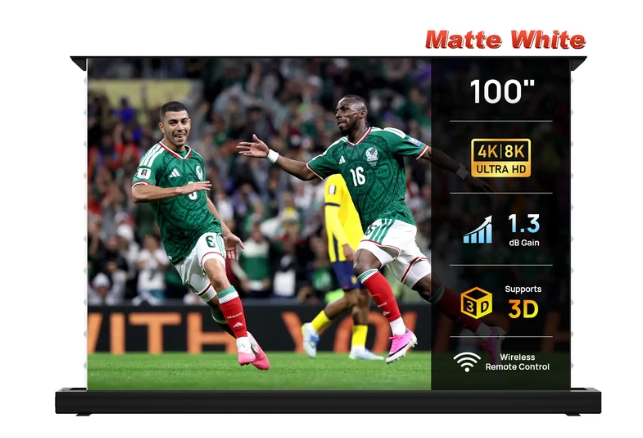
A floor-rising screen is a system, not just a fabric: screen surface, tensioning, scissor support, motor, case, controls and room placement all affect the outcome. Use this order when comparing products.
1. Decide whether you need ALR/CLR
If the room stays bright, start with UST ALR/CLR if you use UST. If the room can be dimmed, matte white gives you broader projector compatibility and often higher gain.
2. Confirm projector throw type
Do not buy a UST-only optical screen for a conventional long-throw projector. The featured NothingProjector matte-white product lists long, short and UST support, while its ALR rivals are more specialized.
3. Pick size from room geometry
Measure image width, case width, furniture and seating—not just diagonal inches. A 120″ 16:9 image is roughly 104.6″ wide, while a 100″ image is about 87.2″ wide.
4. Inspect tension and stability
UST is especially sensitive to waves. Look for tab tension or another robust method of keeping the surface flat as it rises.
5. Treat controls as workflow features
Remote control is basic. USB trigger, position memory and voice integration become useful when they make the screen reliably follow projector power and your preferred viewing height.
6. Check policies and support
Large motorized screens can be expensive to return. Before ordering, confirm return conditions, warranty coverage, shipping damage procedure and regional support directly with the merchant.
7. Re-check current specs on purchase day
Models, dimensions, pricing and policies change. Our NothingProjector product facts were checked September 16, 2026; use the merchant page for the current version before ordering.
Considering the NothingProjector matte-white floor-rising screen?
Check the merchant page for current size availability, price, shipping terms and any active offer before you decide.
See current NothingProjector offer